Freelancers and contractors
Invoice a project or retainer without buying accounting software or creating an account.
Freelance invoicing guide →Free business tools · no account
BillGenn helps freelancers and small businesses build GST, VAT and sales-tax invoices, download a professional PDF, and check GST, discounts and profit margins — without a subscription, a signup wall or a spreadsheet rebuild.
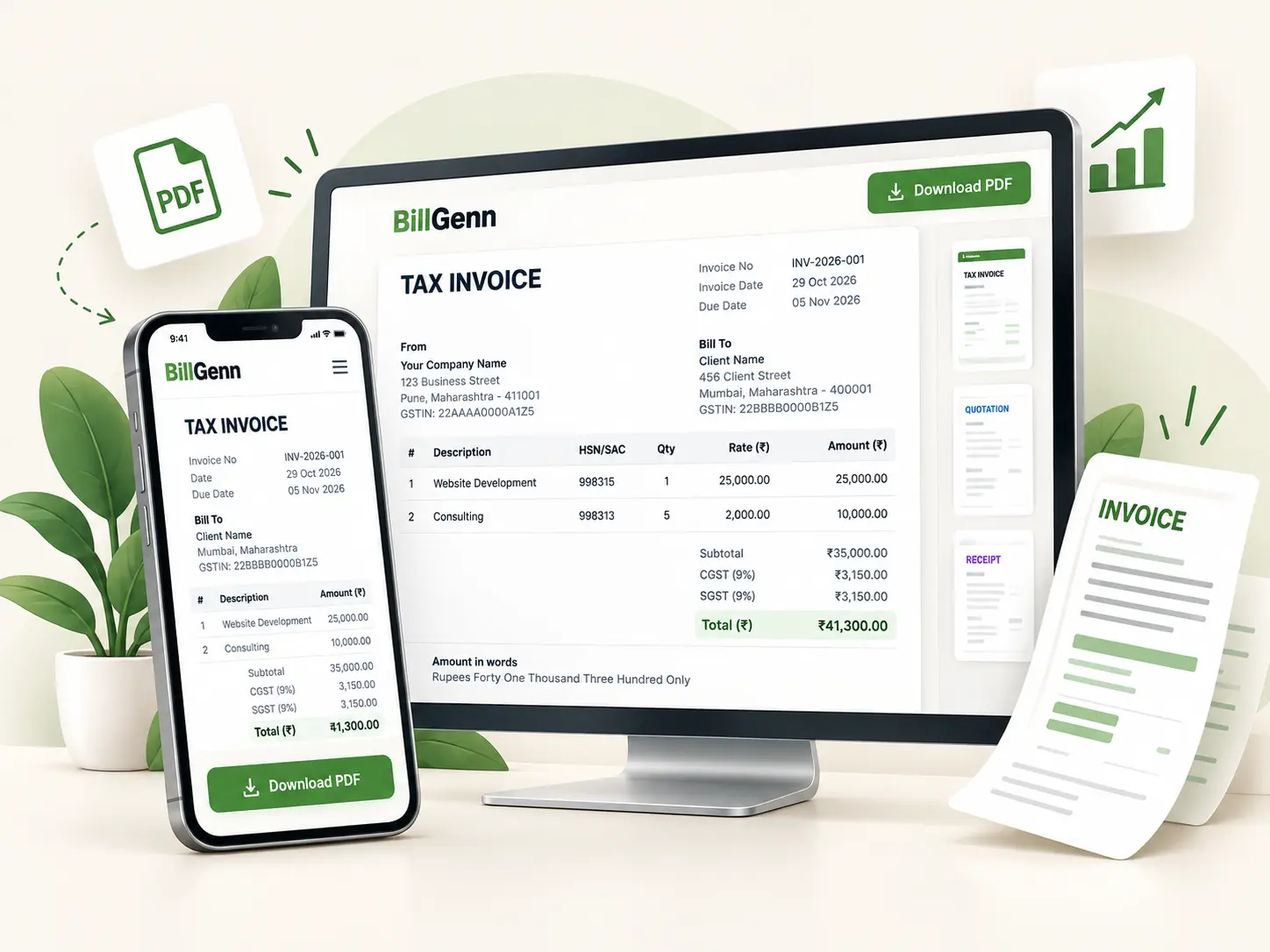
Seven working tools. No placeholders, no “coming soon” cards, no account required.
The main tool
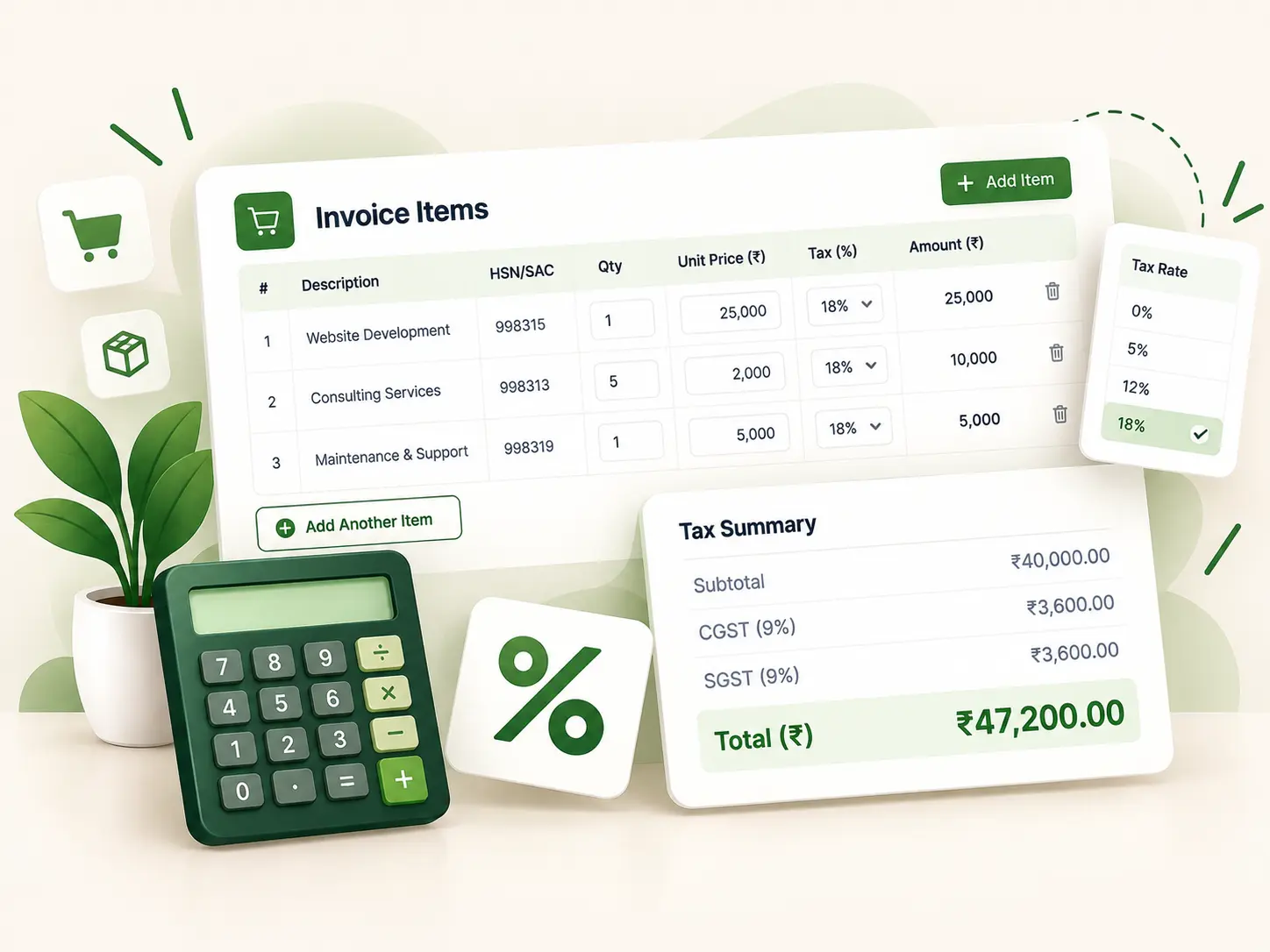
Add your business, customer and line items, apply a discount and the right tax, then check the totals in a live preview. Download an A4 PDF or print it — with no paywall and no account. Drafts stay in your browser so you can pick up where you left off.
Most invoice tools are built to sell a subscription. BillGenn is built to finish the task: get the numbers right, produce a clean document and move on.
Check the tax and margin on the tools page, then put the same figures on an invoice. No export, import or second spreadsheet.
Open the generator and work. The PDF download is available immediately; there is no signup wall, paywall or paid unlock.
Invoice fields and PDF generation run locally. Optional drafts and saved business details use your browser’s local storage, not a BillGenn database.
Indian GST splits into CGST and SGST or IGST by place of supply. UK and German invoices show VAT/MwSt., and US invoices accept a per-line sales tax rate.
Read the privacy policy for exactly what is stored locally and which third-party services load on the site.
The whole process happens on one page. Nothing is submitted to a server and nothing waits for an email confirmation.
Name, tax ID, address, logo and payment details. Saved locally for next time if you want.
Invoice number, issue date, due date and the customer’s billing information.
Line descriptions, quantity, rate, discount and the tax rate that applies to each line.
Check the live preview and totals, then download an A4 PDF or use your browser’s print dialog.
The tools are deliberately narrow. They cover the billing and pricing work that a small team actually does every week.
Invoice a project or retainer without buying accounting software or creating an account.
Freelance invoicing guide →Issue GST, VAT or sales-tax invoices with consistent numbering and a proper tax breakdown.
GST invoice format →Itemise time, expenses and discounts, then check margins before the invoice goes out.
Margin calculator →Original, referenced explanations of GST, invoicing and small-business paperwork. Written and reviewed by the BillGenn editorial team.
A field-by-field walkthrough with a worked GST example and a pre-send checklist.
Read guide → GSTInclusive and exclusive prices, CGST/SGST splits, rounding and common errors.
Read guide → GSTWhen each tax head applies, with intra-state and inter-state examples.
Read guide → GSTWhich document to issue, what each must contain and where businesses get it wrong.
Read guide → Cash flowNet 30, due on receipt, deposits and late fees in plain language.
Read guide → RecordsBuild a series that survives audits, sorting and a second person issuing invoices.
Read guide →The same generator, configured for the currency and tax labels each market uses. These are working tools with different fields — not translated copies of the same page.
Yes. Every tool on the site is free to use, including invoice PDF downloads. There is no paid plan, trial period or paywall. The site is supported by advertising.
No. Open the generator, fill in the invoice and download the PDF. Optional drafts and saved business details are stored in your browser’s local storage, not in a BillGenn account.
Yes. On the India invoice generator, choose whether the supply is intra-state or inter-state and the tax splits into CGST + SGST or IGST. The correct treatment depends on the place of supply for your transaction.
There are separate flows for each market. The UK flow uses GBP and VAT labels, Germany uses EUR and MwSt., and the US flow uses USD with a per-line sales tax field. Local legal requirements still apply; check the invoice against the rules for your business.
Yes. The generator has a print action that opens your browser’s print dialog with only the invoice preview visible. You can print to paper or choose “Save as PDF” in the print dialog.
No. Invoice data is processed in your browser. If you leave the optional autosave on, the draft is stored in your browser’s local storage on that device. You can clear it from the generator or your browser settings.
No. They perform arithmetic and explain the method, but they do not determine your tax position. GST rates, place-of-supply rules and record-keeping duties depend on your circumstances. See the disclaimer for details.
You do not need to set up a workspace first. Add your details, add the work you delivered, check the totals and download the PDF. If you invoice regularly, the browser will remember your business details for next time.