Freelancers
Project work, retainers and one-off services, with a clear due date and payment method.
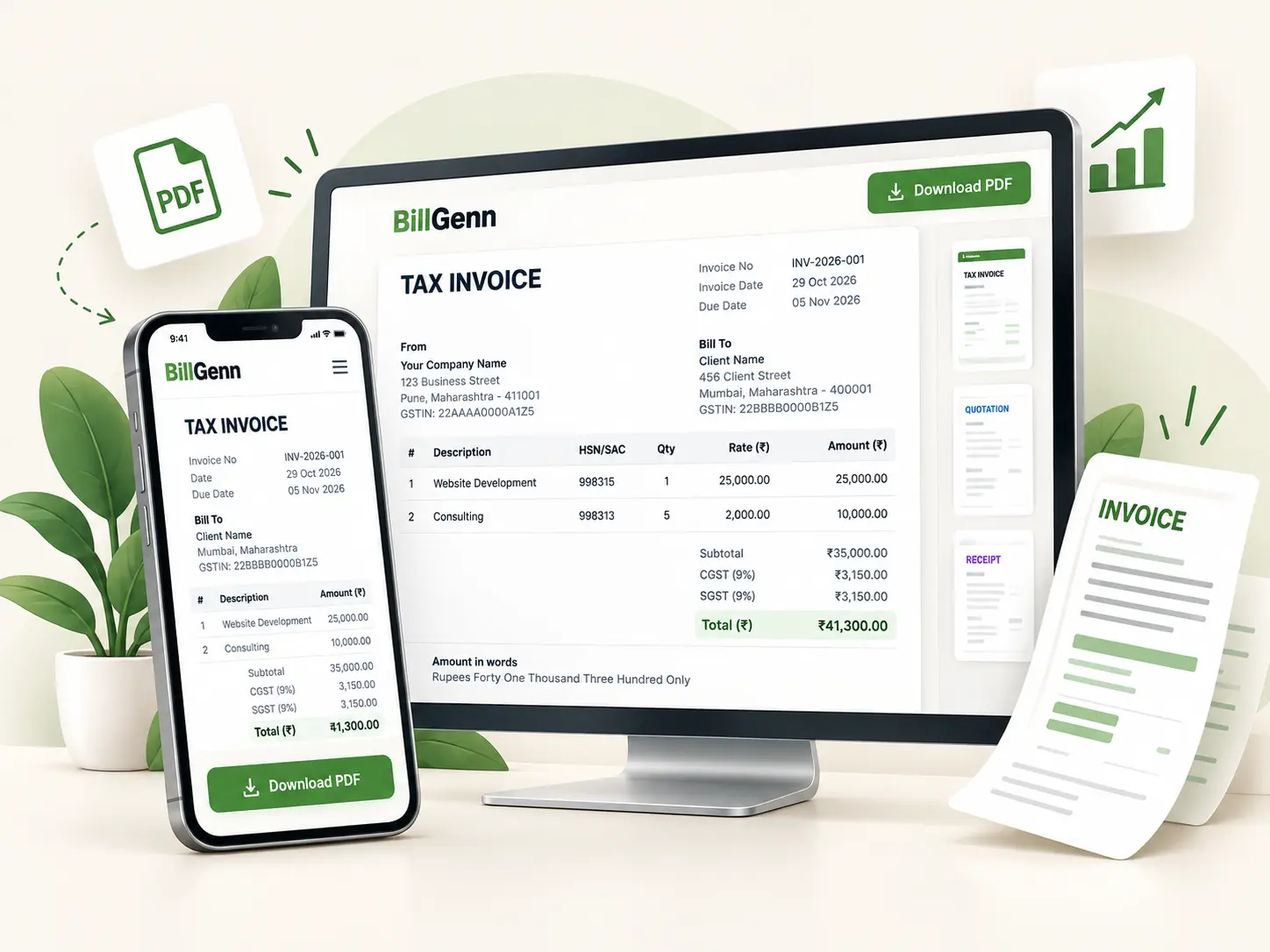
Build a GST-ready tax invoice with your business details, customer GSTIN, line items and the correct CGST/SGST or IGST split. The place of supply decides how the tax is divided, and the live preview shows exactly what the PDF will contain. Free, browser-based and no account required.
Required for PDF download. Other fields are optional; if you fill GSTIN, email, phone, or PIN, they must be valid.
Your PDF and preview use the selected layout.
At least one row needs description and quantity.
Your legal name, address, state and GSTIN if registered. The state is used to decide CGST/SGST or IGST.
Customer details and the place of supply. GST is split only after both states are known.
Each line accepts an HSN/SAC code, quantity, rate, discount and GST rate. Special rates can be typed in.
Check taxable value, CGST/SGST or IGST and the total before downloading the PDF or printing.
Field requirements depend on your jurisdiction and the transaction. Check the current rules or ask your tax practitioner before relying on a template.
General information only — see the disclaimer.
Read the full invoice guide for India, the GST bill format, or check a tax amount with the GST calculator.
Project work, retainers and one-off services, with a clear due date and payment method.
Repeat invoicing with a consistent number series and a proper tax breakdown.
Itemised time and expenses, discounts and margin checks before the invoice is sent.
Yes. Creating an invoice, previewing it, printing it and downloading the PDF are all free. There is no paid plan, trial or paywall.
It compares the business state with the place of supply. If they match, the GST is split equally into CGST and SGST. If they differ, the full amount is shown as IGST. This is arithmetic support, not a ruling on your place of supply.
The GSTIN field is optional in the form. Whether you may issue a tax invoice without being registered depends on your turnover, the type of supply and the applicable rules. Unregistered or composition suppliers often issue a bill of supply instead. Check your position with a tax practitioner.
Typically the supplier name, address and GSTIN; a consecutive invoice number and date; customer details; place of supply; description and HSN/SAC; quantity, rate and taxable value; GST rate and CGST/SGST or IGST amounts; total value; and payment details. See the GST bill format guide for the full checklist.
Yes. In addition to the common 0%, 5%, 18% and 40% slabs, each line has a custom rate option for special rates such as 3% on gold. The calculator applies the rate you enter; it does not classify goods for you.
No. The invoice is built and converted to PDF in your browser. Optional drafts and saved business details are stored in local storage on your device and can be cleared from the generator.
Add or remove GST at any rate and see the taxable value, CGST, SGST or IGST, and the final amount.
Open tool →Build a consistent invoice number series with a prefix, year, separator, padding and a preview of the next numbers.
Open tool →Find the sale price and savings from a percentage discount, or work out the discount percentage from an original and final price.
Open tool →Add your details, check the tax split and download the PDF.