Freelancers
Project work, retainers and one-off services, with a clear due date and payment method.
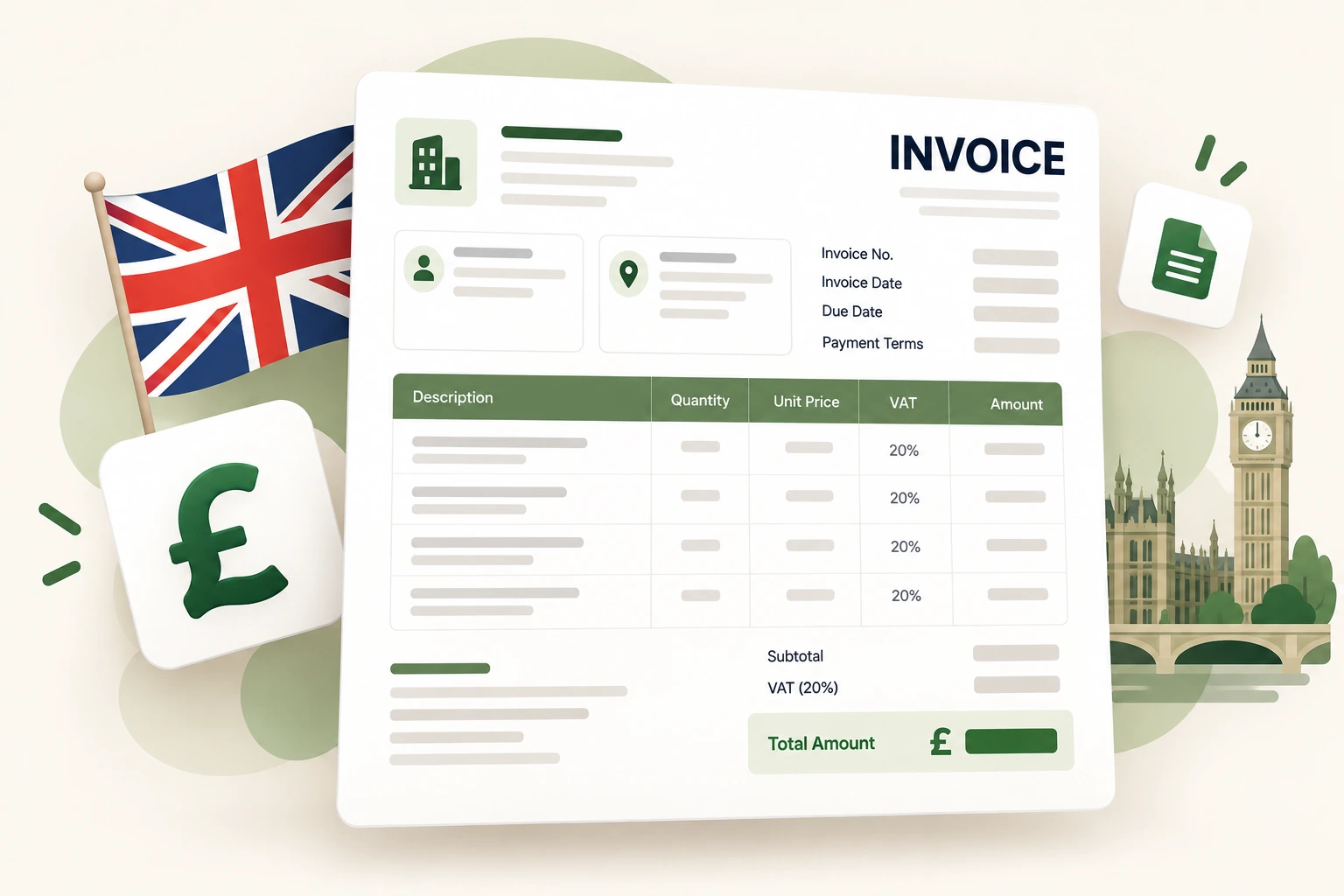
Create a GBP invoice with the fields HMRC expects on a VAT invoice: supplier details, a unique invoice number, customer details, a description of the supply, the VAT rate and the VAT amount shown separately from the net total. Preview it live, then download or print the PDF.
Regional: India (GST) , USA , Germany
Required for PDF download. Other fields are optional; if you fill GSTIN, email, phone, or PIN, they must be valid.
Your PDF and preview use the selected layout.
At least one row needs description and quantity.
Legal business name, address and VAT registration number if you are VAT-registered.
Customer name and address, a unique invoice number and the invoice date.
Describe each supply, then enter the unit price excluding VAT and the VAT rate that applies.
The preview shows the VAT breakdown separately. Download the PDF or print it for your records.
Field requirements depend on your jurisdiction and the transaction. Check the current rules or ask your tax practitioner before relying on a template.
General information only — see the disclaimer.
Read the invoice creation guide or browse all guides for payment terms, numbering and record keeping.
Project work, retainers and one-off services, with a clear due date and payment method.
Repeat invoicing with a consistent number series and a proper tax breakdown.
Itemised time and expenses, discounts and margin checks before the invoice is sent.
A full VAT invoice normally needs a unique invoice number, the invoice date, your business name and address, your VAT number, the customer’s name and address, a description and quantity of the supply, the unit price excluding VAT, the VAT rate, the VAT amount, and the totals excluding and including VAT. Check HMRC guidance for your specific supply.
You should not charge or show VAT if you are not VAT-registered. The invoice can still be used as an ordinary invoice with the VAT rate set to 0%, but you must not present it as a VAT invoice or include a VAT number you do not have.
Yes. Enter the registered company name and address. Add the company number or VAT number in the relevant fields if you need them on the document.
No. VAT rates depend on the goods or services and your circumstances. The generator applies the rate you enter (for example 20% standard, 5% reduced or 0%) and shows the arithmetic.
Yes. Use Download PDF Invoice for an A4 PDF, or Print / Save as PDF to use your browser’s print dialog.
No. Invoice data is processed in your browser. Optional saved business details and drafts use local storage on your device.
Build a consistent invoice number series with a prefix, year, separator, padding and a preview of the next numbers.
Open tool →Find the sale price and savings from a percentage discount, or work out the discount percentage from an original and final price.
Open tool →Work out gross profit, profit margin and markup from your cost and selling price, with the formulas shown.
Open tool →Show net, VAT and gross clearly, with your VAT number where required.