Freelancers
Project work, retainers and one-off services, with a clear due date and payment method.
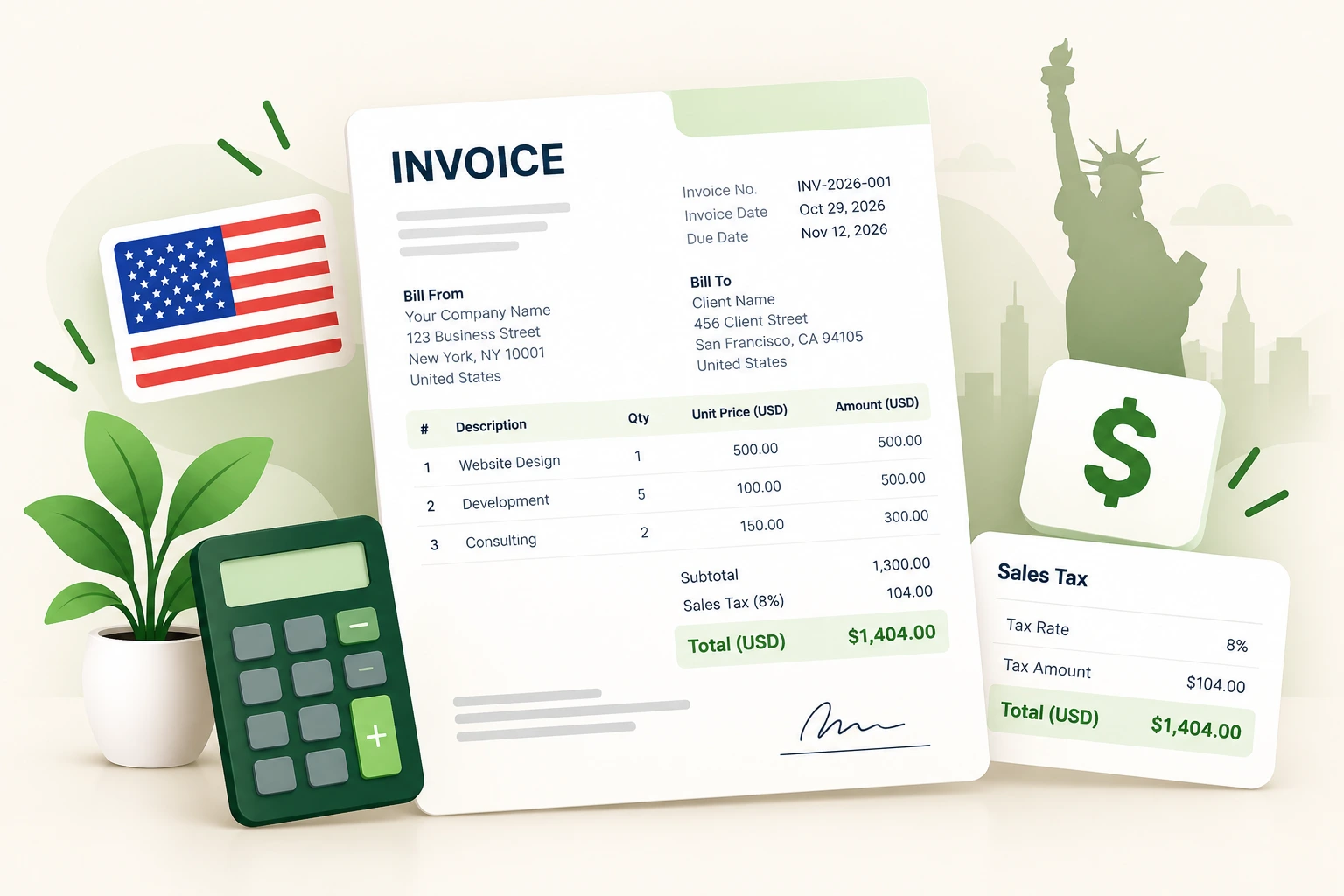
Create a clean USD invoice for freelance, contract or small-business work. Add your logo, itemise the work, apply a per-line sales tax rate where you are required to collect it, and download a print-ready PDF. No account, no trial and no paywall.
Regional: India (GST) , UK , Germany
Required for PDF download. Other fields are optional; if you fill GSTIN, email, phone, or PIN, they must be valid.
Your PDF and preview use the selected layout.
At least one row needs description and quantity.
Your legal name, address, contact details and tax ID if you have one.
Customer name and address, a unique invoice number, issue date and due date.
Describe what you supplied, then enter quantity, unit price and the sales tax rate that applies to that line.
Check subtotal, discount, tax and amount due before downloading the PDF or printing.
Field requirements depend on your jurisdiction and the transaction. Check the current rules or ask your tax practitioner before relying on a template.
General information only — see the disclaimer.
Read the invoice creation guide or browse all guides for payment terms, numbering and record keeping.
Project work, retainers and one-off services, with a clear due date and payment method.
Repeat invoicing with a consistent number series and a proper tax breakdown.
Itemised time and expenses, discounts and margin checks before the invoice is sent.
Yes. Every feature, including the PDF download, is free. The site is supported by advertising rather than a subscription.
No. US sales tax is set by state and local jurisdictions, and whether you must collect it depends on nexus and the product or service. The generator lets you enter the rate that applies to each line; it does not determine the rate for your address.
Yes, it can document a sale or service. It is not a 1099 tax form. Keep your own records of payments and consult a tax professional about reporting obligations.
There is an optional tax ID / EIN field. Leave it blank if you do not have one or do not need to show it. Do not invent a tax ID.
Yes. The Print / Save as PDF action opens your browser print dialog with only the invoice visible. You can print on paper or save a PDF from there.
In your browser. The invoice is not sent to BillGenn servers. Draft autosave uses local storage on your device and can be cleared from the generator.
Build a consistent invoice number series with a prefix, year, separator, padding and a preview of the next numbers.
Open tool →Find the sale price and savings from a percentage discount, or work out the discount percentage from an original and final price.
Open tool →Work out gross profit, profit margin and markup from your cost and selling price, with the formulas shown.
Open tool →USD amounts, per-line sales tax and a PDF you can send today.